- Part 1Collect · Model · Resolve
- Part 2 · you are hereUnify · Segment · Decide · Activate
- Part 3Govern · Measure · Warehouse · AI agents
Real time is not something a platform has. It is something one rule qualifies for – or silently does not.
- 14 daysThe profile the edge personalises from holds attributes on a rolling window, not your history. It is a projection, not the profile.
- 24 hoursStreaming segmentation looks back one day. A rule that reaches further becomes an overnight audience without any warning.
- 100Destinations per sandbox, system-enforced. The activation layer has a ceiling, and it is lower than most integration roadmaps assume.
30 seconds to here · 5 minutes for the four stations.
Part 1 ended with three stations that decide whether you have a customer at all: whether the data arrives, whether it is modelled so it can be used, and whether the fragments resolve into one person. Assume all three are working. You now have a resolved identity graph and no way to act on it.
The next four stations are where acting becomes possible – and where the gap between what a platform can do and what your architecture has actually been configured to do gets widest. The recurring surprise in this half of the chain is that the same platform answers the same question in 350 milliseconds, in five minutes, or tomorrow morning, and nobody chooses which. The shape of the rule does. That is what real time segmentation actually is: not a capability you switch on, but a tier your rule qualifies for.
As in part 1, Adobe Experience Platform is the worked example because Adobe documents its limits publicly, every figure links to the page it came from, and all pages were retrieved on 11 September 2026.
Resolved fragments become a union view, and a merge policy decides which value wins where two fragments disagree. The structural fact behind every limit that follows: the profile store and the data lake are different technologies for different questions. The profile is tuned for millisecond lookups, and it is guardrailed at 5,000 experience events per profile for segmentation.
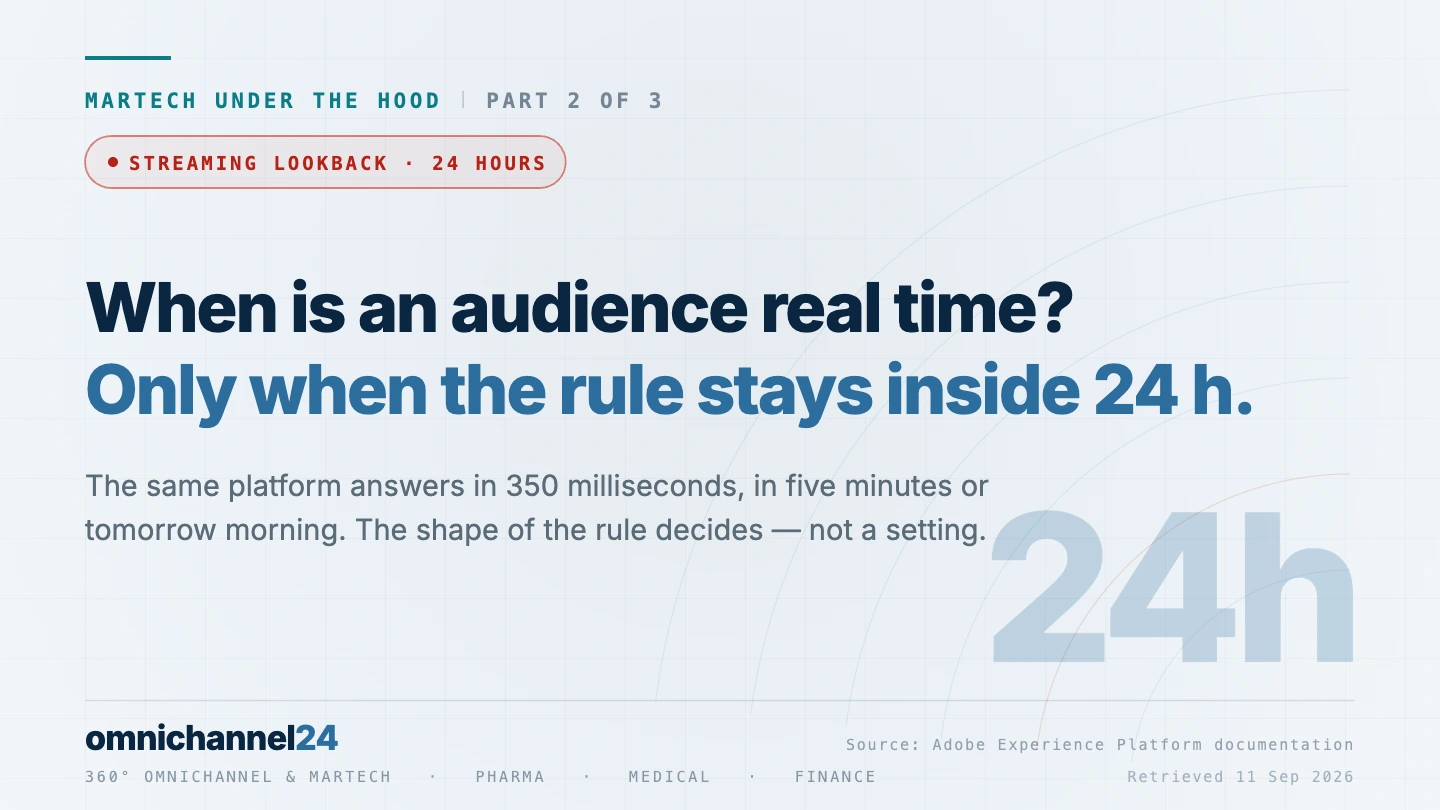
The same rule can be evaluated three ways – edge in up to 350 milliseconds, streaming in up to five minutes, batch every 24 hours – and the platform picks based on how the rule is written. Streaming segmentation has a lookback window limited to one day. Write a rule about the last 25 hours and it becomes an overnight audience with no warning.
Source: Streaming segmentation
A decision can happen at the hub, which holds the historical data and rich profile context, or at the Edge Network, which sits next to the customer. What lives at the edge is only the audience memberships, identities and attributes necessary for personalization – held on a 14-day rolling window. A decision needing full purchase history cannot run at the edge, because the history is not there.
Source: Edge and hub comparison
Destinations are capped at 100 per sandbox, a system-enforced limit. Batch destinations export once daily or every 3, 6, 8 or 12 hours, and files split automatically at 5 million rows. Adobe advises setting an activation start time at least one hour after completing the flow. On the batch path, the distance between “the audience is ready” and “the channel has it” is measured in hours.
Source: Destinations guardrails
04 Unify05 Segment06 Decide07 Activate
Station 4 – Unify
Once identities are resolved, the fragments have to become a profile. Adobe calls the result a union view, made possible by a union schema – “a merged view of all profile fragments for that entity across datasets”. Where two fragments disagree, a merge policy decides which wins, either by dataset precedence or by timestamp. You get five merge policies, and exactly one default per class.
Unify
Fragments across datasets become one readable profile.
Real-Time Customer ProfileThe important structural fact is that this profile does not live where your history lives. Adobe states it directly: “The Profile store uses a Microsoft Azure Cosmos DB infrastructure and the Experience Platform Data Lake uses Microsoft Azure Data Lake storage.” Two stores, two technologies, two purposes – one built for millisecond lookups during a live interaction, one built for analytical scans across years.
That split explains every limit that follows.
Five thousand events. Adobe’s performance guardrail is 5,000 experience events per profile for segmentation; beyond that, only the most recent 5,000 are used. For a monthly newsletter audience, that is a lifetime. For an app with daily sessions, it is a few months.
Size caps that drop data. A profile record over 100 KB and an event over 10 KB are not truncated or flagged – Adobe’s wording is that they “will be dropped.” Ingestion continues. The record does not arrive.
An experience event arrives at 14 KB. What does the profile store do with it?
Events are capped at 10 KB and profile records at 100 KB. Beyond that, Adobe’s guardrails page says records “will be dropped” – not truncated, not rejected loudly. The ingestion job continues and reports success.
Rich event payloads grow over a project’s life: one more nested object per release, one more product array. The day an event type crosses 10 KB, it stops contributing to the profile, and the only visible symptom is an audience that gets smaller for no stated reason.
Expiry by default. Pseudonymous profiles – the ones with no known person attached – expire after 14 days in production and 3 days in development sandboxes by default. The floor for experience event expiration is one day, and expired data is “permanently deleted and cannot be restored.”
No retroactive fill. When you enable a dataset for the profile, the data already sitting in it does not flow in. Adobe’s guidance: “it is recommended that you re-ingest any existing data to have it contribute to customer profiles.” Every team discovers this the week after go-live.
The profile is not an archive. It is working memory.
That conclusion is worth stating plainly, because it contradicts how the profile is usually sold. The long history lives in the data lake – different store, different retention (the lake floor is 30 days and the ceiling ten years), different questions. Asking the profile a five-year question is a category error, not a configuration problem.
I ask for the event count per profile at the 95th percentile, not the mean, and I ask for it per event type. Then I hold that number against the 5,000-event guardrail and against how far back the audience rules actually reach. The mismatch between those two is the finding, and it is usually in the clickstream dataset rather than the one everyone is watching.
Christopher Dettinger · MarTech and omnichannel architect
- You have decided what the profile needs to remember in order to act.
- Everything beyond that has an accepted home somewhere slower.
- Your event volume per profile is a number someone has actually calculated.
Station 5 – Segment
Segmentation is where “real time” stops being a marketing word and becomes a property you can check.
Adobe separates two things that are usually conflated. An audience is “a collection of people who share similar behaviors and/or characteristics.” A segment definition is “the rule set Adobe Experience Platform uses to describe key characteristics or behavior of a target audience.” The rule is the thing you write. The audience is what comes out.
Segment
One rule, three possible evaluation speeds – chosen for you.
Segmentation ServiceThe same rule can be evaluated three ways, and the platform chooses which, based on how the rule is written: “If the query matches any of the query types in the following table, it will automatically be evaluated using edge segmentation.” Edge segmentation processes an inbound event in up to 350 milliseconds. Streaming segmentation takes up to 5 minutes to qualify a profile. Batch segmentation runs every 24 hours. Three orders of magnitude apart, on one platform, decided not by a setting but by the shape of your rule.
Real time segmentation and the twenty-four-hour edge
Which brings us to the single most consequential sentence in the segmentation documentation: “The lookback window is limited to one day.” Streaming segmentation considers events from the last 24 hours. Anything older “will be processed in the subsequent batch job.”
Inside the lookback window. Streaming segmentation considers events from the last day.
Two hours further back and the rule has silently become an overnight audience. Nothing turns red, nothing is rejected, and the audience still works – it just answers tomorrow morning.
Source: Streaming segmentation · retrieved 11 Sep 2026
The same boundary appears in the ineligibility list. Multi-entity queries, combinations of a single event with an inSegment condition, “ignore year” time constraints, and single events with no time window at all are not eligible for streaming. Edge evaluation is narrower still.
You change an audience rule from “in the last 23 hours” to “in the last 25 hours”. What happens?
Streaming segmentation’s lookback window is limited to one day, and events older than that “will be processed in the subsequent batch job”. The evaluation method is chosen from the shape of the rule, not from a setting, so the change takes effect without anyone selecting it.
The campaign built on that audience assumed immediacy and now runs a day late. Nobody is told why, because from the platform’s point of view nothing went wrong – a rule was written and the correct evaluation method was applied to it.
Real time is not a property of your platform. It is a property of the rule.
Three more figures that campaign plans routinely assume away.
- A new segment definition takes up to one hour to become available – for streaming and at the edge alike. You cannot write an audience and activate it in the same ten minutes.
- Streaming data takes up to three hours to appear in batch segmentation workflows.
- Events for the same profile should be at least five seconds apart “to ensure reliable audience evaluation”.
Then the capacity envelope, all of it recommended rather than enforced: 4,000 active audiences per sandbox, of which 150 edge and 500 streaming. The real-time tiers are the scarce ones – the edge recommendation is a small fraction of the total. Adobe also recommends a maximum audience membership of 30 percent, which is a polite way of saying that an audience covering a third of your customers has stopped being an audience and become a mailing list.
I take every audience the business calls time-critical and check each one against the streaming eligibility list line by line – lookback window, multi-entity query, nested segment condition, missing time window. Then I count how many edge and streaming audiences are live against the recommended 150 and 500. Both checks take an afternoon, and I have not yet run them without finding at least one audience that answers a day later than the brief assumes.
Christopher Dettinger · MarTech and omnichannel architect
- Every audience you consider time-critical has been checked against the streaming eligibility list.
- Someone owns the count of edge and streaming audiences against Adobe’s recommended 150 and 500.
- The campaign calendar accounts for the hour a new segment definition needs before it is available.
Station 6 – Decide
Orchestration is usually discussed as a capacity question: how many journeys, how many messages, how fast. That is the less interesting question. The constraint that actually shapes a decisioning architecture is not how much it can do. It is what it can see at the moment it decides.
Adobe’s architecture has two places where a decision can happen. The hub is the central data centre that “contains all the historical data and rich profile context.” The Edge Network is the distributed layer – seven regions – that sits next to the customer.
Decide
Choosing the next action – with whatever is visible at that location.
Journey Optimizer · Edge NetworkWhat lives at the edge is stated precisely: “The only data that lives on the Edge Network are the audience memberships, profile identities, and attributes necessary for personalization.” Not the history. Not the full profile. Memberships, identities, and the attributes needed for this interaction – held for 14 days on a rolling basis, reset every time the profile is accessed.
A next-best-action needs three years of purchase history and has to answer in 350 milliseconds. What is the problem?
The only data on the Edge Network is audience memberships, profile identities, and attributes necessary for personalization, held on a rolling 14-day window. The historical data and rich profile context live at the hub. A decision requiring the history has to be made where the history is.
A 350-millisecond decision and a full-history decision are not the same decision at two speeds. They are different decisions, made in different places, with different information – and asking for both at once is a contradiction worth catching in a design workshop rather than in a performance review.
Two different decisions. Not one decision at two speeds.
A next-best-action that needs the full purchase history cannot run at the edge, because the purchase history is not there. One that needs only “is this person in the high-value audience” can, because that membership is exactly what gets projected outward. One operational detail that surprises people in testing: the edge has a cold start. Adobe notes that “the first few evaluation calls may result in a timeout.” A first test that fails is not necessarily a broken configuration.
The orchestration side of an authenticated portal shows what this looks like when the same profile has to surface across a website, a service console and a field channel.
For every real-time decision someone has promised, I write down the attributes it reads and then check each one against what is actually projected to the edge – not against what exists in the profile. The two lists are different, and the difference is where the demo works and production does not. If an attribute on that list has no projection path, the promise gets rewritten before the journey is built.
Christopher Dettinger · MarTech and omnichannel architect
- For every real-time decision you have promised, someone has confirmed the data it needs is projectable to the edge.
- Present in the profile is not the same test as projectable to the edge, and the difference is written down.
- The team knows that a first edge evaluation call may time out by design.
Station 7 – Activate
Activation is the step where a resolved, unified, segmented profile finally reaches a channel. It is also where the timing assumptions in campaign plans meet documented reality.
Destinations are capped at 100 per sandbox – a hard, system-enforced limit. Each instance should carry no more than 250 audiences and 50 mapped attributes, and bulk activation of more than 50 audiences at once “is not supported”.
Activate
Getting the audience out to the channel that will use it.
DestinationsThe timing splits by destination type, and the spread is wide.
- Batch, file-based destinations run one full export daily, or incremental exports every 3, 6, 8 or 12 hours. Files split automatically at 5 million rows – worth knowing before someone writes an import job expecting a single file.
- Streaming destinations have no documented limit on messages per second to partner API endpoints.
- Enterprise destinations target under 10 minutes, 95 percent of the time, at under 10,000 requests per second per instance.
And one piece of guidance that belongs in every campaign brief: Adobe advises setting an activation’s start time at least one hour after completing the activation flow – a buffer Adobe’s own scheduling guidance builds in.
The brief says: build the audience this morning, have it live in the file-based channel this afternoon. Is that realistic?
A new segment definition takes up to one hour to become available. Adobe advises a further hour between completing the activation flow and the start time. Batch, file-based destinations export once daily or on a 3, 6, 8 or 12-hour incremental cycle. Streaming and enterprise destinations are a different order of magnitude – under 10 minutes, 95 percent of the time.
Which path a given channel uses is decided at integration time, not campaign time. By the moment someone writes the brief, the latency of that channel is already fixed – so the calendar has to be built on the numbers rather than on the assumption of immediacy.
Ready and delivered are hours apart.
Stack it up. A new segment definition takes up to an hour to become available. Adobe advises a further hour before an activation starts. A batch destination exports on a three-hour cycle at best. The distance between “the audience is ready” and “the channel has it” is measured in hours on the batch path and in minutes on the streaming one – and which path a given channel uses is a decision made at integration time, not campaign time.
I build one table before any campaign planning starts: every channel in the plan, its destination type, and its documented activation latency. Then I count the live destinations against the 100-per-sandbox cap, because that number is hard and nobody tracks it until an integration fails to save. The table takes an hour and it settles arguments that otherwise run for weeks.
Christopher Dettinger · MarTech and omnichannel architect
- Every channel in your plan has a known activation latency.
- The campaign calendar is built on those numbers rather than on the assumption of immediacy.
- Someone tracks the live destination count against the 100-per-sandbox limit.
What part 3 covers
These four stations decide whether you can act, and how fast. What they do not decide is whether you are allowed to – or whether anyone will be able to tell afterwards what it changed.
Part 3 takes the last two stations and the two questions that sit around them: Govern, where the box drawn in every architecture diagram ships switched off; Measure, the thinnest station in the documentation and the one most often deferred to phase two; the warehouse question, where federating instead of copying costs you identity resolution; and what AI agents actually see when they run on top of all of it.
Frequently asked questions
What is real time segmentation?
Real time segmentation is audience evaluation that happens while the interaction is still running, rather than in an overnight batch. In Adobe Experience Platform it is not a setting: the platform picks edge, streaming or batch evaluation from the shape of the rule. Edge processes an inbound event in up to 350 milliseconds, streaming qualifies a profile in up to five minutes, and streaming has a lookback window limited to one day – so a rule reaching further back silently becomes a batch audience.
How is a unified customer profile actually assembled?
Data arrives in multiple datasets as profile fragments. Identity resolution determines which fragments belong to the same person. A union schema merges them into a union view, and a merge policy resolves conflicts – either by dataset precedence or by most recent timestamp. The result is a single profile the channels can read, subject to hard size caps and a recommended ceiling on events per profile.
When is an audience evaluated in real time instead of overnight?
It depends on how the rule is written, not on a setting. Adobe’s streaming segmentation has a lookback window limited to one day; rules referencing anything older fall back to the subsequent batch job. Multi-entity queries, certain nested-segment conditions and rules with no time window are also ineligible for streaming. Edge evaluation, the fastest tier at up to 350 milliseconds, is narrower still.
What is the difference between edge and hub decisioning?
Location and visibility, not speed alone. The hub holds the historical data and rich profile context. The Edge Network holds only audience memberships, profile identities and the attributes needed for personalization, on a rolling 14-day window. A decision that needs the history has to be made at the hub; one that needs only a membership flag can run at the edge in a few hundred milliseconds.
What has to be true before personalization works across channels?
Five things, in order: identities resolved into one graph; fragments merged into one profile; an audience rule whose evaluation speed matches the use case; a destination whose activation latency matches the moment; and governance policies actually enabled. A break at any one of the five produces personalisation that is wrong, late, or outside the boundaries you assumed were enforced – rather than personalisation that fails visibly.
If you run the ten-minute check on your own audiences and the answer is uncomfortable, the fix is usually a rewritten rule, not a bigger licence. Telling those two apart before the renewal conversation is the work I do, for teams in pharma, medical and finance.
Get in touch →Related reading: MarTech under the hood, part 1 – nothing works until the data is one person · What omnichannel marketing means – four roles, four answers · HCP portal, part 3 – the orchestration architecture.
Figures in this article are drawn from Adobe’s public documentation and link to their source; all pages were retrieved on 11 September 2026. Guardrails change with releases, and Adobe distinguishes between system-enforced limits and performance recommendations – verify against your own tenant before designing to any number, including these. Sources: Real-Time Customer Profile overview · Real-Time Customer Profile guardrails · Pseudonymous profiles · Experience event expirations · Segmentation Service overview · Streaming segmentation · Edge segmentation · Segmentation FAQ · Edge and hub comparison · Edge profiles · Destinations guardrails. Adobe, Adobe Experience Platform and Adobe Real-Time CDP are trademarks of Adobe Inc. This is an independent analysis; no partnership with or endorsement by Adobe.