- Part 1 · you are hereCollect · Model · Resolve
- Part 2Unify · Segment · Decide · Activate
- Part 3Govern · Measure · Warehouse · AI agents
Omnichannel is not a channel strategy. It is one question about one object: does every channel read the same customer profile?
- 7 daysThe staging area everyone hands files through deletes them on a fixed schedule. It is not storage.
- FixedThe primary identity of a profile-enabled schema cannot be changed after the first production load. It is the one decision you cannot take back.
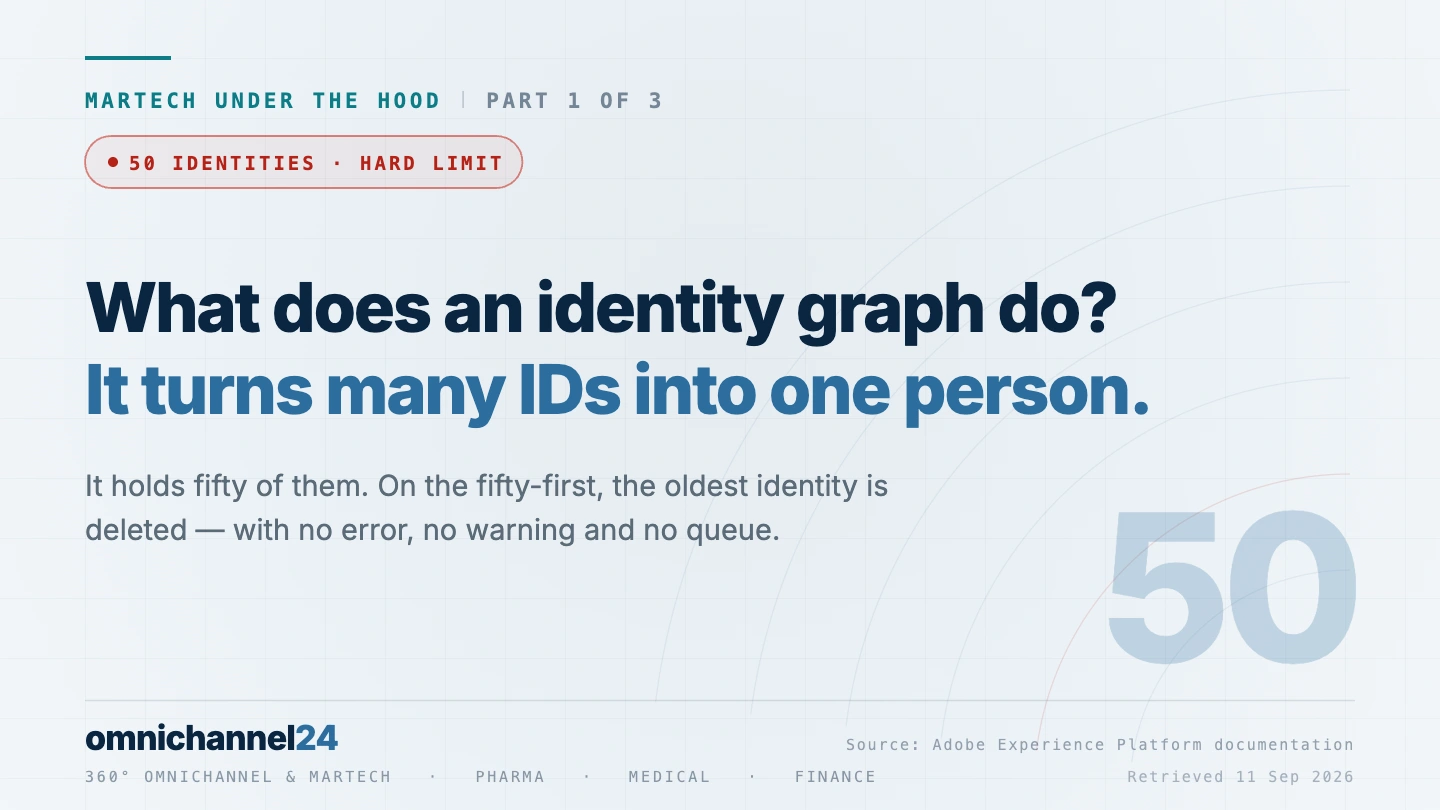
- 50An identity graph holds fifty identities, then deletes the oldest to make room. No error is raised, and the profile drops out of segmentation.
30 seconds to here · 4 minutes for the three stations.
Every omnichannel programme starts with the same slide: a customer in the middle, channels arranged around them, arrows pointing inward. It is a good slide. It describes an outcome, not a system, and the gap between those two is where most programmes quietly stall.
Here is the test that separates the two. Multichannel and omnichannel differ in exactly one place: whether every channel reads the same profile, or whether every channel keeps its own list. Everything else – the arrows, the word “seamless”, the customer in the middle – follows from that one architectural fact. If your email platform holds one list, your web personalisation another, and your call centre a third, you are running multichannel with better vocabulary.
Making all channels read the same profile is not a procurement decision. It is nine of them, each with a technical consequence that shows up eighteen months later. This series walks all nine, using Adobe Experience Platform as the worked example – not because the answer is always Adobe, but because Adobe documents its limits publicly, and documented limits are the only way to talk about this honestly. Every figure links to the page it came from. Part 1 takes the first three – collection, the data model and identity resolution – the stations that decide whether you have a customer at all, and the identity graph where they either hold or quietly stop holding.
Four roles inside a company mean four different things when they say “omnichannel” – we mapped those four answers separately. This article is the layer underneath all four.
Batch ingestion moves files, streaming ingestion moves events – and they are not two speeds of the same thing. They land in different stores with different limits: streaming into the profile is guardrailed at 1,500 requests per second, into the data lake at 4,000–5,000. The faster path is the narrower one. And the Data Landing Zone, the staging area most teams hand files through, deletes everything after seven days.
Source: Data ingestion guardrails
XDM composes a schema from a class plus field groups, and the class decides whether the data describes things as they are or things as they happened. Schema evolution is purely additive: you may add fields, never remove or rename them. One item on the prohibited list matters more than the rest – changing the primary identity on a profile-enabled schema once data has been ingested.
Source: XDM schema composition
Identity Service links a customer’s identifiers into an identity graph. The graph holds fifty. On the fifty-first, the oldest identity is deleted first-in, first-out – cookie identifiers before durable ones – and a profile above the cap is excluded from segmentation, exports and lookups. Namespace priority does not protect you, and a graph that has already collapsed is only repaired when it is next updated.
Source: Identity Service guardrails
01 Collect02 Model03 Resolve
The stack, not the tool
The first confusion to clear up is the difference between a platform and an application built on it.
Adobe lists the applications built on Experience Platform as Real-Time CDP, Real-Time CDP B2B Edition, Journey Optimizer, Customer Journey Analytics, Journey Orchestration, and Mix Modeler. The platform underneath handles ingestion, the data model, identity, the profile, audiences, governance, and activation. The applications consume all of that.
This matters because of how buying decisions get described internally. “We bought Journey Optimizer” describes an application. It says nothing about whether the data underneath it is modelled, resolved, governed, or activatable – and those four are what decide whether the application does anything useful. The same separation exists in every stack, under different names and in a different arrangement.
One more piece of vocabulary before the stations, because it recurs at almost every one: the sandbox. It is the isolation boundary – a virtual partition of the platform with its own data, its own configuration, its own limits. Almost every number in this article is defined per sandbox. It is the most consequential invisible line in the architecture, and it appears on none of the diagrams.
Station 1 – Collect
Data arrives two ways, and they are not two speeds of the same thing. They are two paths into two different stores with two different sets of limits.
Batch ingestion moves files. Streaming ingestion moves events. The published timings sit further apart than the word “streaming” suggests.
- Streaming into the profile. Adobe publishes a service level of under 15 minutes at the 95th percentile for B2C ingestion, and under 30 minutes for B2B.
- What its troubleshooting guide observes. In practice, streamed events are “generally reflected in Real-Time Customer Profile in under 60 seconds”.
- Streaming into the data lake. The same path is documented at under 60 minutes.
Note what that means: the sub-minute figure is an observation in Adobe’s troubleshooting guide rather than a published latency, while the hour into the analytical store is documented. Two answers to “do we have that data yet”, both correct, depending on who is asking.
Collect
What arrives, and by which of the two paths it travels.
Batch and streaming ingestionThe throughput numbers run the same way round. Adobe’s performance guardrail for streaming into the profile and into streaming segmentation is 1,500 requests per second; into the data lake it is 4,000–5,000. The faster path is the narrower one. That is not a flaw, it is the trade – real-time processing costs headroom.
Your team uses the Data Landing Zone as a handover point between two systems. How long does a file stay there?
Seven days, without exception: “Experience Platform enforces a strict seven-day expiration time on all files and folders uploaded to a Data Landing Zone container. All files and folders are deleted after seven days.” It is a staging area, not storage – and the difference has ended more than one handover process quietly.
Every handover built on the assumption that a file waits until it is fetched has a seven-day deadline attached to it that nobody wrote down. It surfaces as a gap in a report on day eight, not as an error in an ingestion log.
Two more figures worth carrying into any implementation plan.
- Batch into the profile. Adobe’s performance guardrail is 90 combined profile and event batches per sandbox per day – enough for a scheduled architecture, not enough for one that treats batch as a retry mechanism.
- The staging area. The Data Landing Zone, which many teams use as an informal handover point between systems, deletes everything after seven days: “Experience Platform enforces a strict seven-day expiration time on all files and folders uploaded to a Data Landing Zone container.”
Your staging area is not storage.
A note on Adobe’s own documentation here, because it is instructive. The guardrails page states a maximum of 25,000 files and 1 TB per batch. The batch ingestion overview page states 1,500 files and 100 GB for the same thing. Both are current. When a vendor’s own two pages disagree, the practical answer is to design well inside the smaller number and to verify against your own tenant rather than against any article – including this one.
Before anyone talks about journeys, I ask for the source inventory with two extra columns: batch or streaming, and the name of the person who chose. Then I hold that column against the latency each downstream use case assumes. Where the two disagree, I have found the problem before the first journey is built – and at that point it is an afternoon of work rather than a migration.
Christopher Dettinger · MarTech and omnichannel architect
- You know which of your sources are batch and which are streaming.
- That split was decided deliberately – not by whichever source was easiest to wire up.
- Everyone handing files through the staging area knows it is not storage.
Station 2 – Model
This is the station teams rush, and it is the only one in the chain that is effectively irreversible.
Adobe’s data model is XDM – the Experience Data Model. Its composition rule is stated as a formula: “Class + Schema Field Group* = XDM Schema”. The class decides whether a schema describes things as they are (record data – a customer, a product, an account) or things as they happened (time-series data – a click, a purchase, an email open). That choice is made once, at the class, and everything downstream inherits it.
Model
The schema every incoming record has to conform to.
XDM · Experience Data ModelSchema evolution follows what Adobe calls a purely additive versioning principle: changes are only permitted if they are non-destructive. You may add fields. You may make a required field optional. You may not remove a field, rename it, move it, relax a value restriction, delete a schema, or disable its participation in the profile. Once real data has been ingested, “the rules of schema evolution become strictly enforced”, and fields “will become non-editable across all XDM schemas in which they are referenced”.
After the first production load, which of these can you still change?
Only additions. Adobe enforces a purely additive versioning principle: you may add fields and make required fields optional. You may not rename, remove or move a field – and the prohibited list explicitly includes “changing primary identity on Profile-enabled schemas with ingested data”. A field’s name is fixed even earlier, the moment the schema is saved.
This is the only station in the chain where a wrong decision cannot be corrected in place. Audiences, journeys and destinations can be rebuilt. A primary identity can only be migrated – and the migration touches every object that depends on it.
One item on the prohibited list deserves to be read twice: “Changing primary identity on Profile-enabled schemas with ingested data.”
The primary identity is the field that says this row is a person, and this is which person. Choosing it is a modelling decision made early, often by whoever is closest to the source system, often before anyone has thought about what the identity strategy will look like in three years. After the first row of production data, it is fixed.
Everything else can be rebuilt. The data model has to be migrated.
Everything else in this article can be rebuilt. Audiences can be rewritten, destinations reconnected, policies enabled, journeys redesigned. The data model cannot – not without a migration that touches every downstream object. It deserves a proportionate amount of the project’s attention, which is roughly the opposite of what it usually gets.
For every profile-enabled schema I ask two questions and write the answers down: who owns the primary identity, and on what date did they sign it off. Not the integration developer, not the agency – someone who will still be in the room in three years. If either answer is missing, I stop the schema review there rather than after the first production load, because that is the point past which no later project can undo it.
Christopher Dettinger · MarTech and omnichannel architect
- Every profile-enabled schema has a named owner for its primary identity.
- That owner understands both the source systems and the three-year identity strategy.
- The sign-off exists before the first production load, not after.
Station 3 – Resolve
Here is where omnichannel either works or fails silently. Not loudly. Silently.
A customer is not one identifier. They are a browser cookie on a laptop, another on a phone, an app install ID, a hashed email from a newsletter, a CRM record, a loyalty number, a second browser after they cleared cookies last month. Identity resolution is the process of deciding that all of those belong to one person.
Resolve
Deciding which of a customer’s many identifiers are one person.
Identity ServiceAdobe’s Identity Service does this by building an identity graph – the set of identities that represent one customer. Each identifier sits in an identity namespace: Email, Phone, CRMID, ECID, and any custom namespace you define. There is no limit on how many custom namespaces you can create.
There is, however, a limit on the graph.
An identity graph fills up. What happens to the fifty-first identity?
A graph holds a maximum of 50 identities. On the fifty-first, Identity Service applies a first-in, first-out mechanism and deletes the oldest one – cookie identifiers before durable ones. There is no error and no alert, and a profile that exceeds the cap is excluded from segmentation, exports and lookups.
Nothing in the interface changes when this happens. The profile stops appearing in segmentation, exports and lookups, and the number in the campaign report is quietly lower than it should be. The only way to see it coming is to look at the distribution of identities per graph before it reaches fifty.
Fifty
Fifty sounds generous until you count a real household. Four people. Three devices each. Two browsers per device. Cookie clearing every few weeks, each clear generating a fresh ECID. A shared tablet that links two family members’ identities into one graph. A work laptop and a personal one. Add a customer-service interaction that writes a case ID as a namespace, and a loyalty programme that writes its own.
Fifty arrives faster than anyone plans for. And what happens then is worth quoting exactly: when a graph with 50 linked identities is updated, Identity Service “will apply a ‘first-in, first-out’ mechanism and deletes the oldest identity to make space for the newest identity for this graph”.
Forty-nine identities, oldest on the left. One household, a few cookie clears, a shared tablet, a loyalty number. Nothing unusual has happened yet.
Fifty. The graph is full. Nothing in the interface says so.
The fifty-first did not fail. Identity Service deleted the oldest identity – a cookie ID – to make space for it. No error, no queue, no alert.
Source: Identity Service guardrails · retrieved 11 Sep 2026
The eviction is not random. It prioritises by identity type – Cookie ID first, then Device ID, then the durable person identifiers grouped together as Cross-Device ID, Email and Phone – and within a type, by the timestamp on the identity. The design is sensible: throw away the cheap identifiers before the durable ones.
But note the two things it does not do. It does not warn you. And namespace priority does not protect you: Adobe states plainly that “namespace priority does not affect graph behavior when the limit of 50 identities per graph is reached”. The priority you configured governs which links survive a conflict. It does not govern which identities survive the cap.
The small things that break an identity graph
- Identity Service is case-sensitive. Adobe’s own example: “abc@gmail.com and ABC@GMAIL.COM would be treated as two separate Email identities.” If one source system uppercases email addresses and another does not, you are not building one graph. You are building two, and they will never merge.
- ECIDs have a format. Exactly 38 characters, digits only. Records that do not conform are skipped at ingestion. Identity values in general may not exceed 1,024 characters, and may not be the strings “null”, “anonymous”, “invalid”, or empty.
- You get three unique namespaces. Declaring a namespace unique means a graph can hold only one identity in that namespace – the mechanism that stops one CRM ID from collapsing into another. You may configure a maximum of three, and changes take up to 24 hours to take effect.
The repair rule
When a graph has collapsed – when two people have merged into one profile because of a shared device or a bad key – changing your configuration does not repair it retroactively:
A collapsed graph for a customer who has not been active since the fix stays collapsed. Your configuration is correct. Your dashboard is green. The profile is still wrong, and it will stay wrong until that person comes back.
The graph does not fail loudly. It fails silently.
This is what “fails silently” means in practice. There is no error state, no queue of rejected records, no alert. There is a profile that stopped being targetable, and a number in a report that is quietly lower than it should be.
I ask for the distribution of identities per graph, not the average – an average tells you nothing about a cap. What I want is the tail: how many profiles already sit above forty, because those are the ones approaching the point where they stop being targetable. If nobody can produce that number, that is itself the finding, and it goes in the report before anything else does.
Christopher Dettinger · MarTech and omnichannel architect
We walked one version of this in detail – an authenticated portal where the ECID, the CRM identity and the streamed consent record all have to line up before a physician sees the right page.
- You know which namespace is your person identity, and whether it is declared unique.
- You know how many identities your graphs carry today – the distribution, not only the average.
- Case normalisation has been checked across every source that writes an email address.
What part 2 covers
The three stations in this article decide whether you have a customer at all: whether the data arrives, whether it is modelled so it can be used, and whether the fragments resolve into one person. Get those wrong and nothing downstream can compensate – an audience built on a collapsed identity graph is wrong no matter how good the campaign is.
Part 2 takes the next four: Unify, where fragments become a profile with an expiry date; Segment, where “real time” turns out to be a property of the rule rather than the platform; Decide, where the constraint is not capacity but what a decision can see; and Activate, where the timing assumptions in campaign plans meet documented reality. Part 3 closes with governance, measurement, the warehouse question and what AI agents change.
Frequently asked questions
What is the difference between multichannel and omnichannel, technically?
Whether every channel reads the same customer profile or each keeps its own list. In a multichannel stack, the email platform, the web personalisation engine and the contact centre each hold their own copy of the audience. In an omnichannel stack, all three read one profile, resolved from one identity graph. Everything else – consistent messaging, recognised customers, continuous journeys – is a consequence of that single structural difference.
How does identity resolution work in a CDP?
Every identifier a customer produces – cookie IDs, device IDs, hashed emails, CRM records – is placed in a namespace and linked into an identity graph representing one person. Links form when a shared signal ties two identifiers together, such as a login tying a browser cookie to a known account. The quality of resolution depends entirely on the quality and consistency of the keys your source systems write.
What is an identity graph, and does it have a limit?
An identity graph is the set of identities that represent one customer. It has a documented ceiling: Adobe caps an individual profile’s graph at 50 identities, and a profile above that is excluded from segmentation, exports and lookups. When a full graph is updated, the oldest identity is deleted first – cookie identifiers before durable ones. No error is raised.
What does it actually take to run omnichannel marketing?
Nine capabilities that have to work in sequence: collection, a data model, identity resolution, a unified profile, segmentation, decisioning, activation, governance, and measurement. None can be skipped and none can be bought as a finished product – each is a set of decisions with documented limits attached. The platform is the easy part. The nine decisions are the work.
An identity graph rarely fails at go-live. It fails eighteen months later, when a namespace decision nobody wrote down starts dropping profiles. If you want a second pair of eyes on yours before that point – that is the work I do, for teams in pharma, medical and finance.
Get in touch →Related reading: What omnichannel marketing means – four roles, four answers · HCP portal, part 2 – the data walks a permission chain.
Figures in this article are drawn from Adobe’s public documentation and link to their source; all pages were retrieved on 11 September 2026. Guardrails change with releases, and Adobe distinguishes between system-enforced limits and performance recommendations – verify against your own tenant before designing to any number, including these. Sources: Data ingestion guardrails · Streaming ingestion overview · Data Landing Zone · XDM schema composition · Identity Service guardrails · Identity Service overview · Real-Time Customer Profile guardrails · Identity Graph Linking Rules. Adobe, Adobe Experience Platform and Adobe Real-Time CDP are trademarks of Adobe Inc. This is an independent analysis; no partnership with or endorsement by Adobe.